

 India
India  UK
UK  UAE-English
It is a Tuesday morning in a small but busy manufacturing firm. The production manager opens their laptop, checks inventory and emails, and clicks a link in what appears to be an urgent update from a supplier. Within hours, the factory’s order management system slows, files start returning errors, and a message appears on every workstation:
“All company data is encrypted. Contact us to recover.”
Payroll systems, customer records, product designs, and compliance documents — everything critical — are locked. The attackers demand payment in cryptocurrency and threaten to leak sensitive data if the company refuses to comply.
This is not just a script; this is how modern cybersecurity incidents and ransomware attacks begin, and why ransomware has become one of the most dangerous cyber threats facing businesses today. In this guide, we will explore the lifecycle of a ransomware attack and outline practical cybersecurity best practices to prevent, detect, and recover from it.
What is ransomware?
Ransomware is a type of malicious software (malware) designed to deny access to systems, files, or data until a ransom is paid. From a broader information security and data protection perspective, ransomware attacks often combine file encryption, data theft, cyber extortion, and public exposure.
Modern ransomware campaigns are not random. They are carefully planned cyber attacks carried out by organised cybercriminal groups or nation-state actors seeking financial gain, reputational damage, or strategic leverage.
Many ransomware attacks remain undetected for weeks while attackers exploit weaknesses in network security, endpoint security, and identity management, mapping systems and preparing for maximum business disruption.
The setup usually starts small
Most ransomware incidents follow a predictable sequence. Each stage builds on weaknesses in an organisation’s IT security and cyber risk management framework.
1. Getting in
Attackers typically gain initial access through:
- Phishing emails: Malicious links or attachments that trick users into installing malware or revealing credentials
- Exploited vulnerabilities: Unpatched servers, VPNs, or internet-facing applications
- Compromised credentials: Weak passwords, reused logins, or unsecured RDP access
- Third-party supply chain attacks: Breaching vendors or managed service providers to pivot into the target environment
- These entry points highlight the importance of endpoint protection, vulnerability management, patch management, and strong access controls as core cybersecurity controls.
These entry points highlight the importance of endpoint protection, vulnerability management, patch management, and strong access controls as core cybersecurity controls.
2. Hiding out and gathering Information
- Reconnaissance: After first access, attackers quietly survey the environment to identify high-value systems and data locations.
- Privilege escalation: They exploit software bugs or misconfigurations to gain higher privileges (administrator/root).
- Persistence: Backdoors, scheduled tasks, or compromised accounts are created to ensure the attacker can return even if some traces are removed.
- Data collection: Attackers copy sensitive files, database dumps, and credentials — sometimes exfiltrating data off-site for future extortion.
Failures in threat detection, logging, and continuous network monitoring allow attackers to operate unnoticed during this phase.
3. Spreading and Getting Ready
- Lateral movement: Using harvested credentials or remote execution tools, they move across servers, file shares and cloud environments.
- Disabling defences: Antivirus, backups, logging and endpoint detection may be stopped or tampered with.
- Target selection: Attackers choose which systems to encrypt to maximise disruption, often business-critical servers.
- Staging encryption tools: Ransomware binaries and scripts are uploaded across the network in preparation.
Poor network segmentation and weak internal security architecture significantly increase the damage caused during ransomware attacks.
4. The Lock and The Note
- Mass encryption: At the chosen time, encryption is executed across workstations and servers; sometimes throttled to retain stealth until the final stage.
- Ransom note: A message appears demanding payment, with instructions and deadlines. Some attackers also publish a sample of stolen data as proof.
- Double extortion: Increasingly common attackers both encrypt data and threaten to leak exfiltrated data publicly if the ransom is not paid.
5. The ugly choices after the attack
- Pay or refuse: Paying may sometimes recover data, but it encourages attackers and does not guarantee full recovery or privacy.
- Restore from backups: If backups are intact and clean, systems can be rebuilt — this is usually the safest route, but can be slow.
- Legal, regulatory and reputational fallout: Many organisations must report breaches to regulators and affected customers; fines and class actions may follow.
- Forensic investigation: Identifying the scope of the breach, removing persistence mechanisms, and tightening controls is necessary to prevent recurrence.
A Short Story
A regional healthcare provider discovered a ransomware note on a Saturday evening. Clinic workstations showed encrypted patient records; the attackers demanded a substantial sum. The IT team initially assumed backups would save the day, but the attackers had found and corrupted backup snapshots weeks earlier. The organisation faces a choice: pay and hope, or rebuild while patient care and billing were disrupted.
They engaged external incident responders, isolated networks, rerouted critical services to analogue processes and restored systems using off-site backups that were fortunately untouched. The attackers leaked a small set of records;
The organisation activated its cyber incident response plan, isolated networks, restored systems from offline backups, and notified regulators and patients. While the incident was costly, refusing to pay the ransom strengthened their cyber resilience, regulatory standing, and long-term cybersecurity posture.

How people usually discover an attack
Detection comes in several common ways:
- Sudden system errors or files labelled “. locked” or “. encrypted.”
- Alerts from endpoint protection or intrusion detection systems.
- Unusual account activity: logins at odd hours or from unexpected locations.
- IT staff are noticing network slowdowns or abnormal backups failing.
- External sources: customers or partners reporting data leaks, or researchers publishing that a data dump corresponds to your organisation.
Early detection often depends on monitoring, good logging, and people noticing subtle anomalies before the final encryption stage.
What to do immediately
If you suspect ransomware, act fast and decisively:
- Isolate: Disconnect affected machines and segments from the network to slow the spread. Disable Wi-Fi and remote access where feasible.
- Preserve evidence: Don’t power down a compromised server without advice from an incident responder; volatile memory may contain critical forensic data. Take screenshots, log copies and note timestamps.
- Activate incident response: Follow your incident response plan. Notify senior leadership, legal counsel and your cyber insurance provider if applicable.
- Communicate carefully: Provide clear internal instructions (e.g., stop using email attachments). Avoid speculative public messages; craft a controlled statement for stakeholders.
- Engage experts: If you don’t have in-house capability, bring in experienced incident responders for containment, forensics and recovery.
- Assess backups: Verify the integrity of backups off the network before attempting a restore.
- Don’t rush to pay: Paying doesn’t guarantee full recovery and may create legal or regulatory complications; discuss options with counsel and responders.
How to make an attack less likely
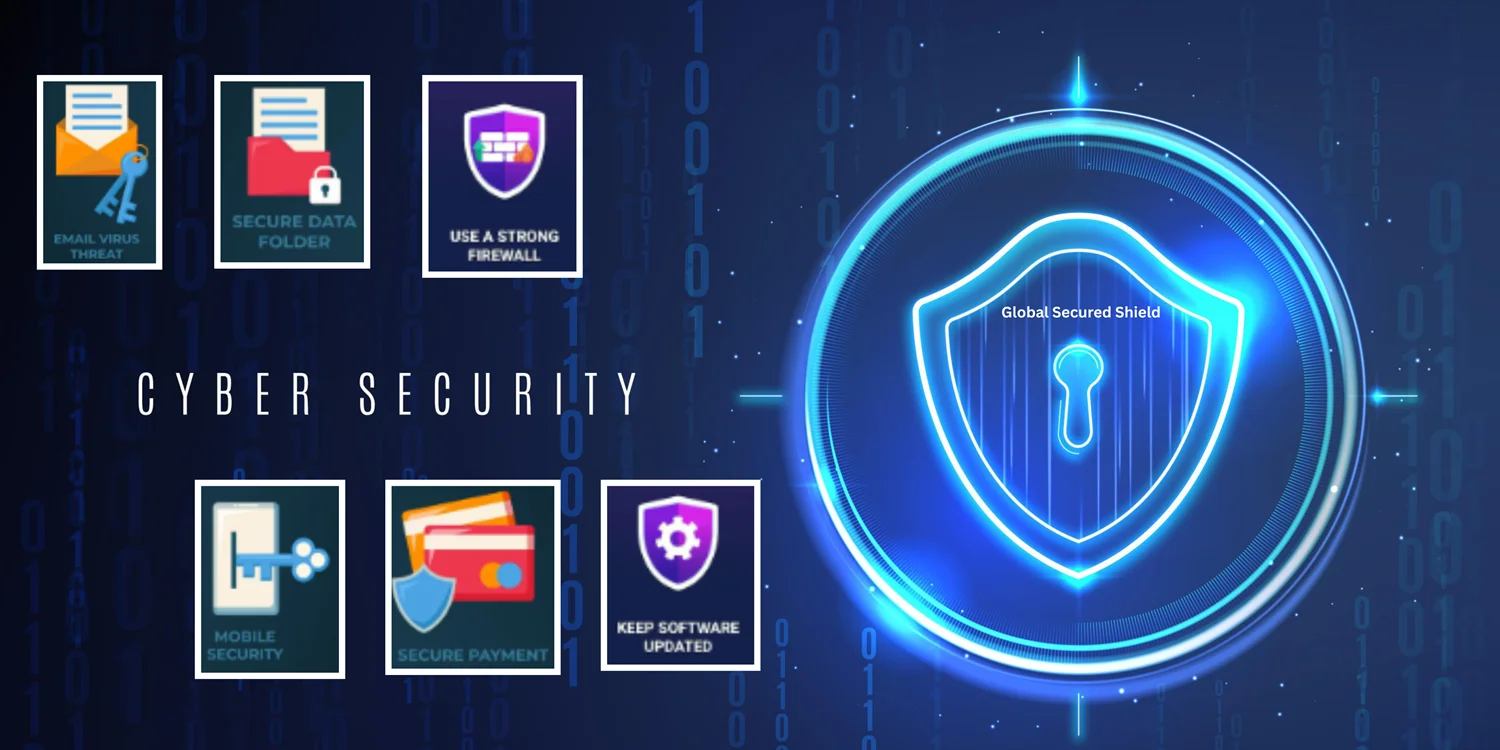
Ransomware is preventable in most cases. Focus on layers of defence combining people, process and technology.
People and process:
- Cyber training: Regular, practical phishing and security-awareness training for all staff. Focus on recognising social engineering.
- Strong identity management: Enforce unique passwords, multi-factor authentication (MFA) and least privilege. Rotate and secure administrative credentials.
- Patch management: Keep operating systems, firmware and applications up to date so attackers cannot exploit known vulnerabilities.
- Third-party risk: Evaluate the security posture of suppliers and partners; apply the principle of least access to external services.
Technology and architecture:
- Endpoint protection and EDR: Modern endpoint detection and response tools can flag suspicious processes and block malicious behaviour.
- Network segmentation: Limit lateral movement by separating user networks, servers, backups and cloud resources.
- Immutable and offline backups: Maintain multiple backup copies, including immutable snapshots and an offline backup that is inaccessible to attackers.
- Logging and monitoring: Centralise logs and use SIEM or managed detection to spot anomalies early.
- Application safelisting: Prevent unauthorised executable code from running on workstations and servers.
- Protect backup credentials: Ensure that backup systems are not accessible with routine administrative credentials.
Operational readiness:
- Incident response plan: Have a tested plan that includes clear roles, effective communication, and detailed legal and technical steps.
- Cyber Security insurance: Consider policies that include incident response and potential ransom payment coverage; understand the policy exclusions and reporting requirements.
- Tabletop exercises: Regularly rehearse ransomware scenarios with leadership to reduce confusion under pressure.
Ransomware stages and practical mitigations
| Stage | What attackers do | Immediate mitigations |
| Initial access | Phishing, vulnerabilities, stolen credentials | Phishing training, MFA, patching, and turning off unused services |
| Recon & persistence | Escalate privileges, install backdoors | EDR, strict privilege controls, audit logs |
| Lateral movement | Move across the network, compromise backups | Network segmentation, protect backup credentials, limit admin scope |
| Encryption & extortion | Encrypt data, leave ransom note, threaten leak | Offline immutable backups, incident response, and legal counsel |
| Recovery & aftermath | Restore systems or negotiate | Forensic review, strengthen controls, notify stakeholders |
Why backups fail sometimes
Many organisations rely on backups but still suffer significant losses. Reasons include:
- Backups connected to the same network and accessible to attackers.
- Backup systems are not tested; restore procedures are unfamiliar or broken.
- Retention policies are too short — backups don’t include older, clean copies.
- Backup credentials compromised.
A robust backup strategy is one of the most effective defences, but it must be well-architected and tested regularly.
Legal and regulatory considerations
Ransomware incidents often trigger legal obligations:
- Data protection laws may require notification of breaches to regulators and affected individuals within strict timelines.
- Paying a ransom may raise legal questions if the payment benefits sanctioned entities.
- Insurance claims have procedural requirements; notify insurers early and follow their incident response steps.
Always brief legal counsel early in the response to understand obligations and risks.
Key Takeaways
- Ransomware is an orchestrated attack that usually begins with small footholds and escalates to network-wide impact.
- The five common stages are: getting in, hiding and gathering, spreading and preparing, encryption and ransom note, and difficult post-attack choices.
- Early detection and rapid containment make recovery far easier — invest in monitoring, EDR and incident response readiness.
- Backups are essential, but they must be offline/immutable, and they must be regularly tested.
- Prevention is a layered approach: people, processes and technology all matter. Identity security (MFA, strong credential hygiene), patching, network segmentation and secure backups dramatically reduce risk.
- Paying a ransom is not a win; it carries cost, uncertainty and promotes further crime. Exhaust recovery options and legal advice should be considered first.
- Regular tabletop exercises, clear communications plans and a tested incident response playbook reduce confusion and speed recovery.
Frequently Asked Questions
1. If we pay the ransom, will we definitely recover our data?
Paying does not guarantee full recovery, data integrity, or that stolen data won’t be leaked. It may speed access to decryption tools in some cases, but attackers can also provide faulty keys, demand additional payments, or leak data regardless. Legal and reputational risks also apply.
2. How often should we test backups?
Test restores regularly — at least quarterly for critical systems, and more frequently if your environment changes rapidly. Testing must include full recovery drills and validation of data integrity to ensure accurate results.
3. Is MFA enough to stop ransomware?
MFA significantly reduces the risk from credential theft, but it’s not a complete solution. Combine MFA with patching, endpoint defences, network segmentation and backup hardening.
4. What is “double extortion”?
Double extortion occurs when attackers simultaneously encrypt your systems and steal data, then threaten to release the stolen data unless a ransom is paid publicly. This increases leverage and potential regulatory consequences.
5. Should we involve law enforcement?
Yes, contact relevant law enforcement or cybercrime units as part of your incident response. They can provide guidance, may track criminal activity, and reporting might be required under the law.
Ransomware is a severe and evolving threat, but it is manageable. Treat prevention as a continuous business priority: secure identities, segment networks, protect and test backups, and practise incident response. Those steps separate organisations that recover quickly from those that face catastrophic disruption.